


Tools while locked in
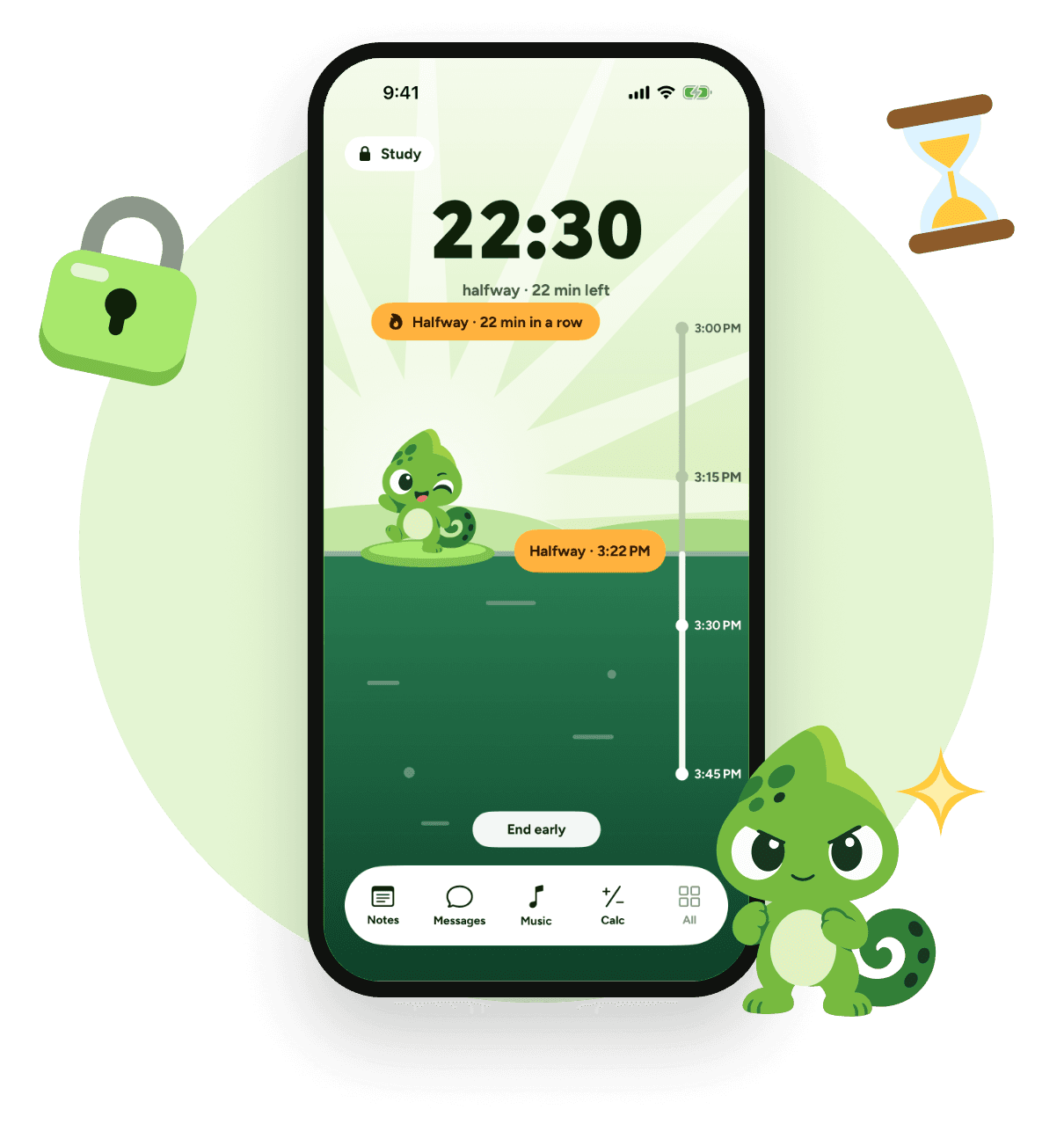
Notes, tasks, a calculator, music.
Lock in your whole iPhone with Guided Access, or block only the apps you pick with Screen Time. Plan it, keep a streak, look back.
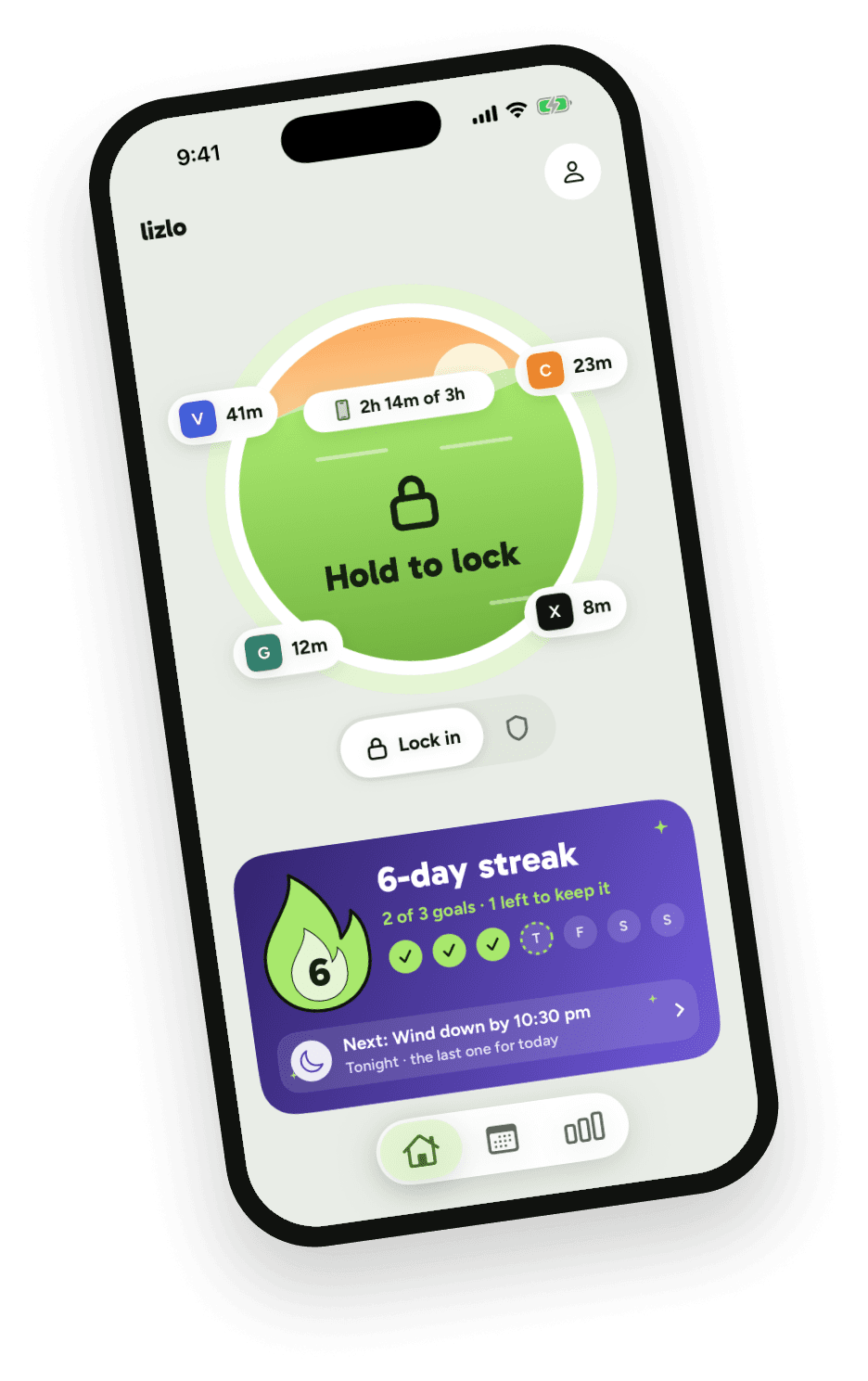
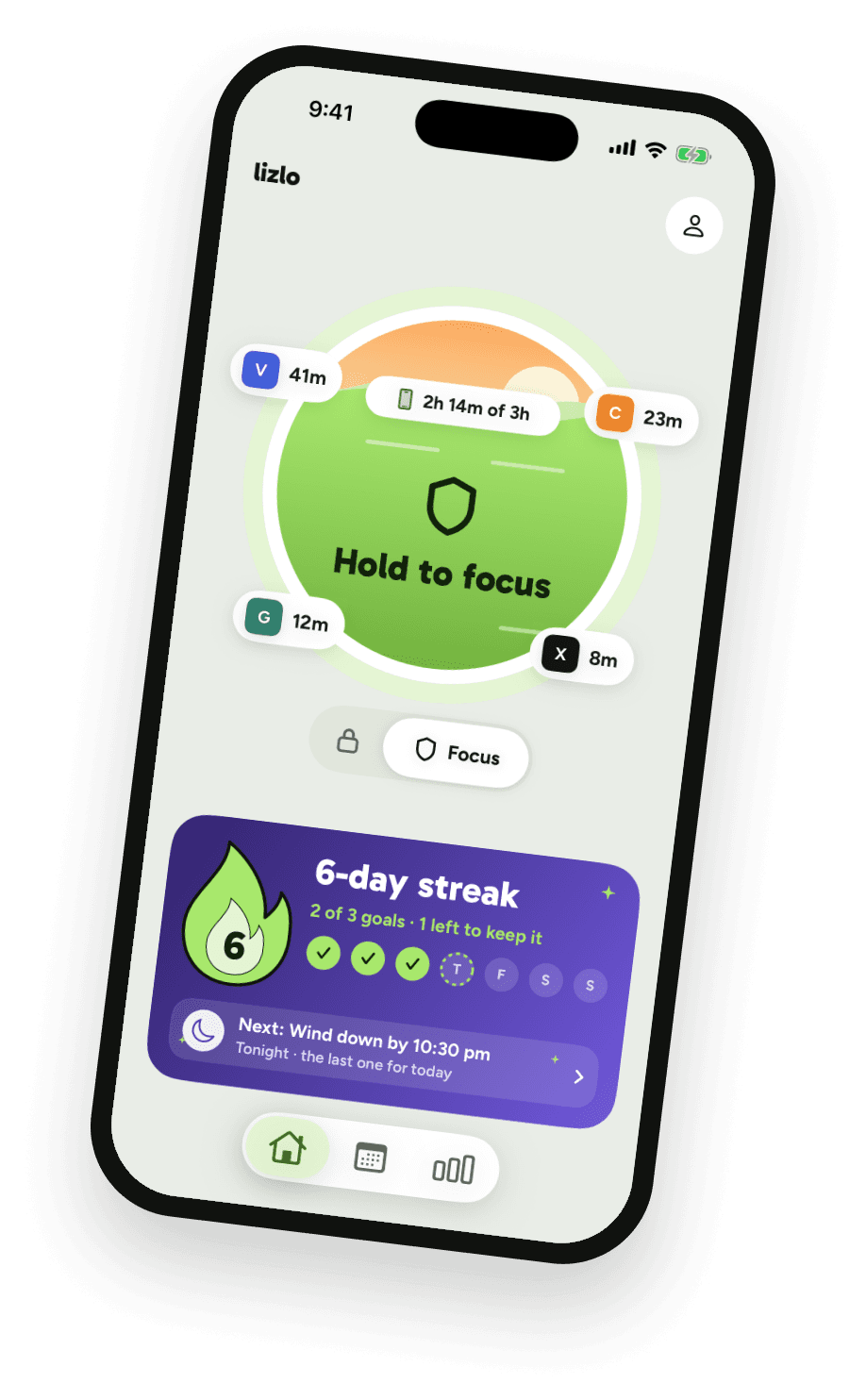

 Whole phone
Your whole iPhone stays in lizlo. You start it, you end it.
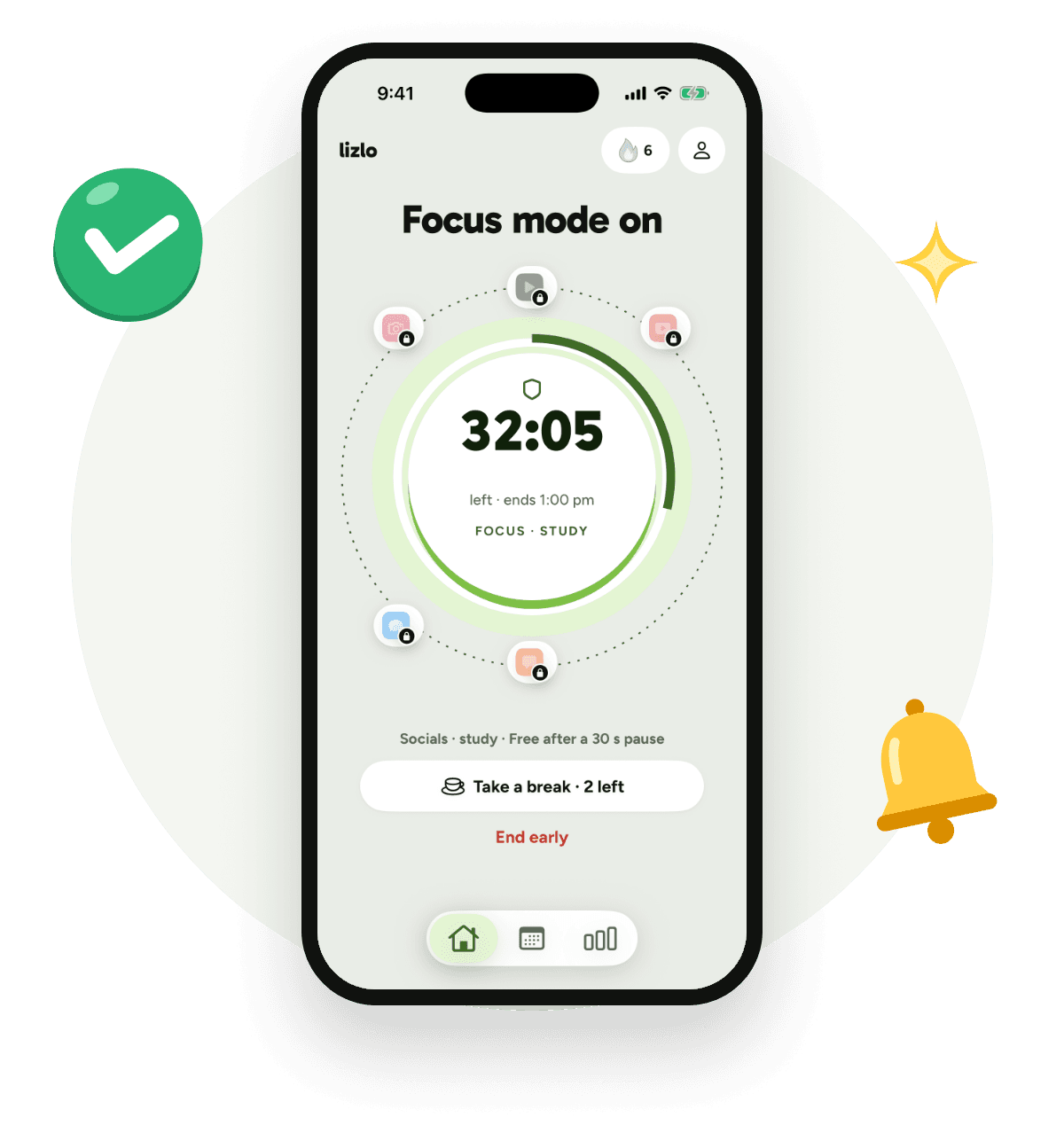
 Focus mode
Everything else stays usable. Breaks are up to you.
 Plan
Set times, limits, goals and rewards. Plan once and it repeats on its own.


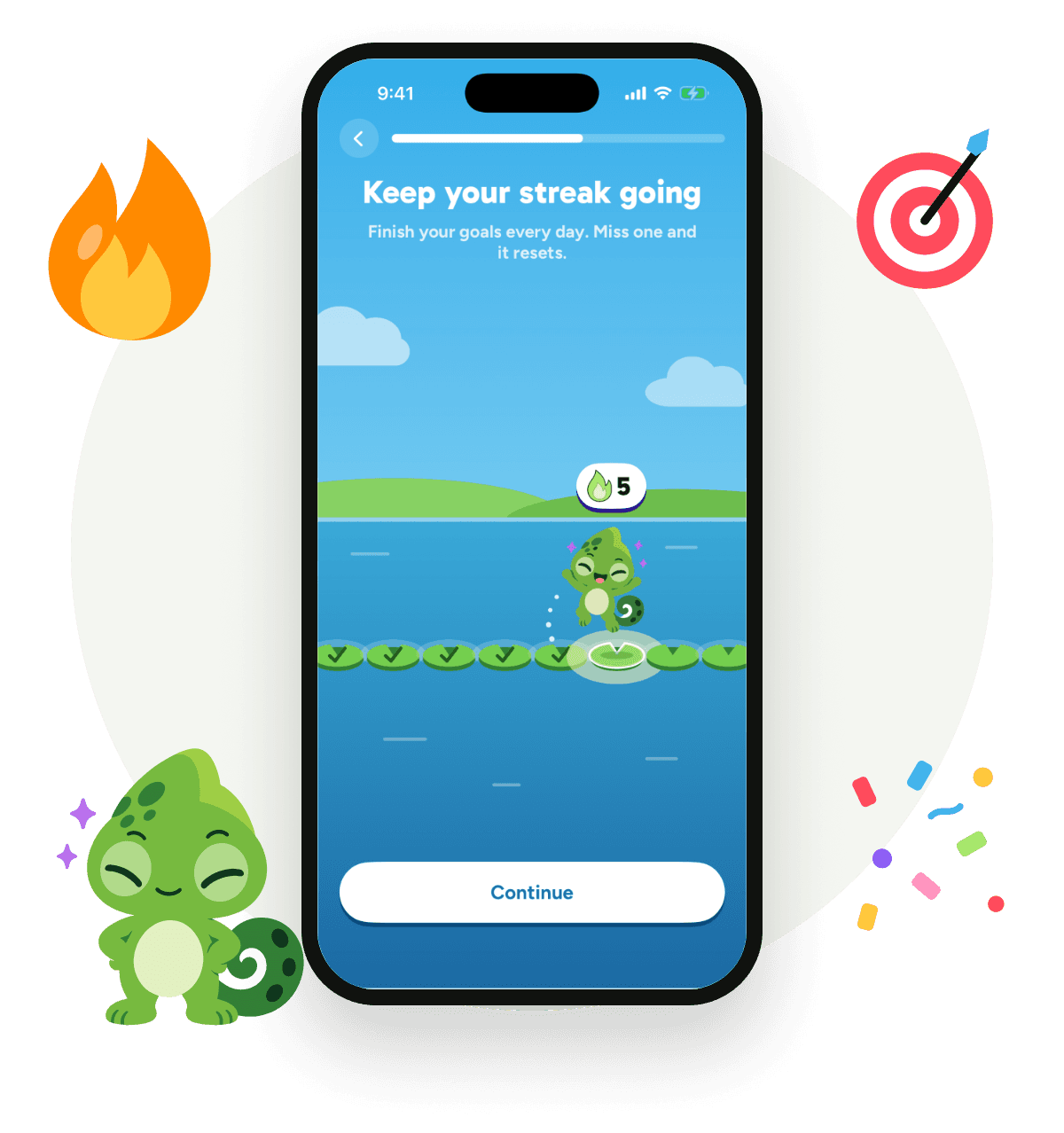
 Goals and streak
A day counts when your daily goals are done.
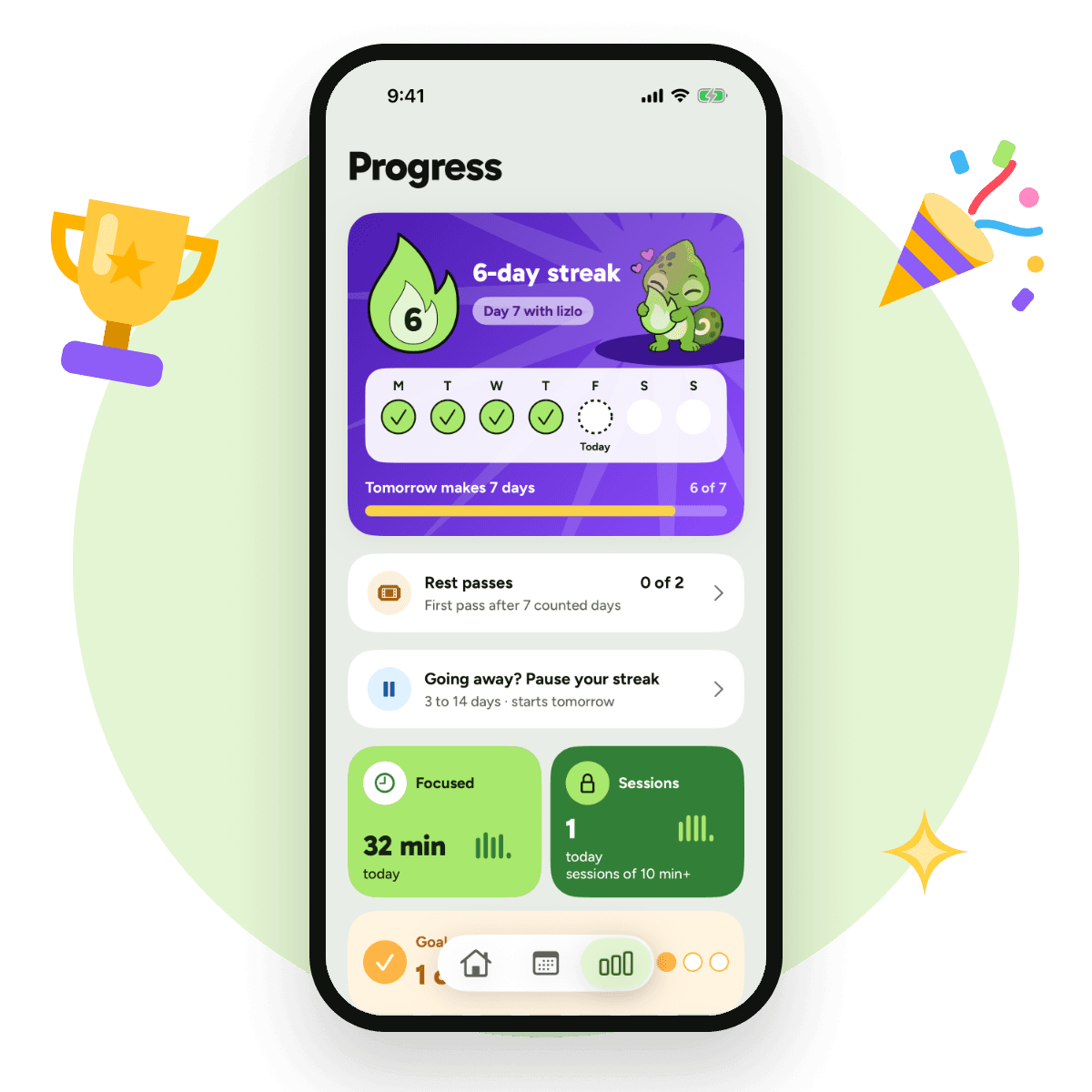
 Progress
Your sessions, your streak and a weekly recap.
Notes, tasks, a calculator, music.

Earn minutes back for your apps.

Plan them before a focus session.
Your week, every Sunday.
A nudge before a planned session.

Your streak on your Home Screen.
Screen Time data stays on your iPhone.
Start as a guest. Sign in to back up.

In English and French.


Lock in locks your whole iPhone. Focus mode blocks only the apps you pick.
You start and end Guided Access yourself using Apple’s controls. lizlo cannot start or end it for you. A timer reaching zero does not turn it off.
lizlo is free. For real.
Screen Time usage data never leaves this iPhone.